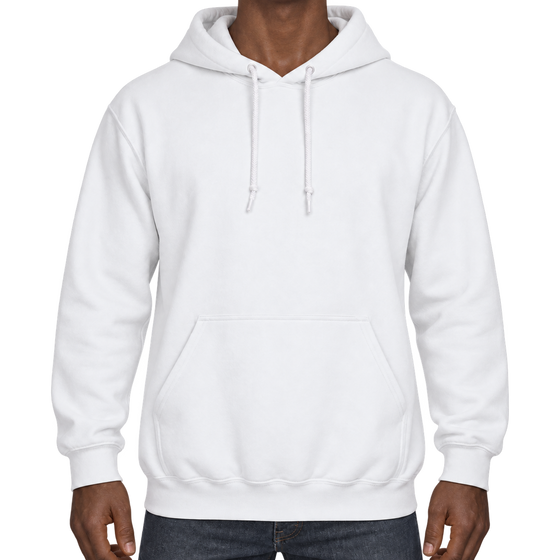
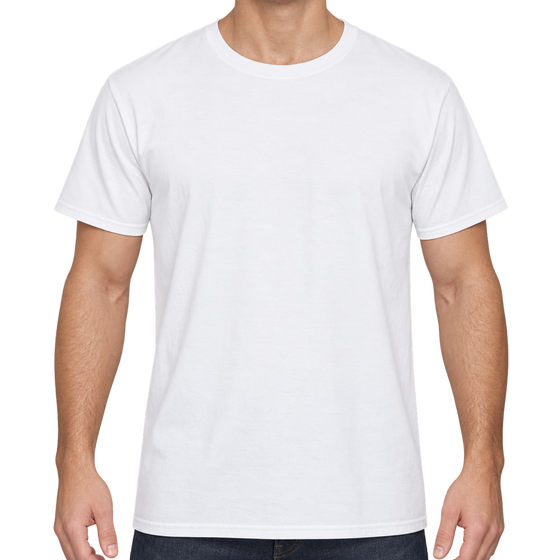
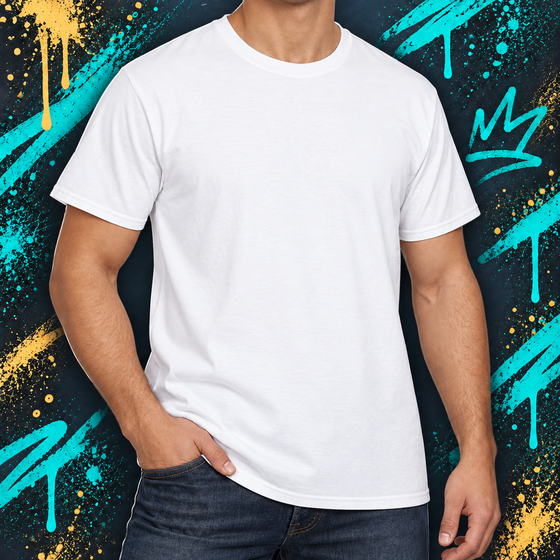
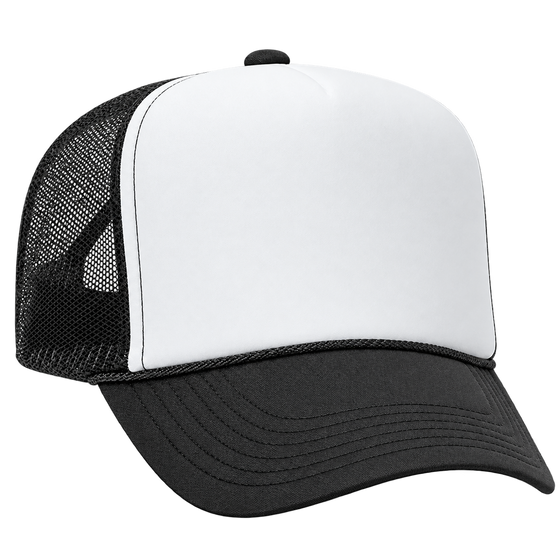
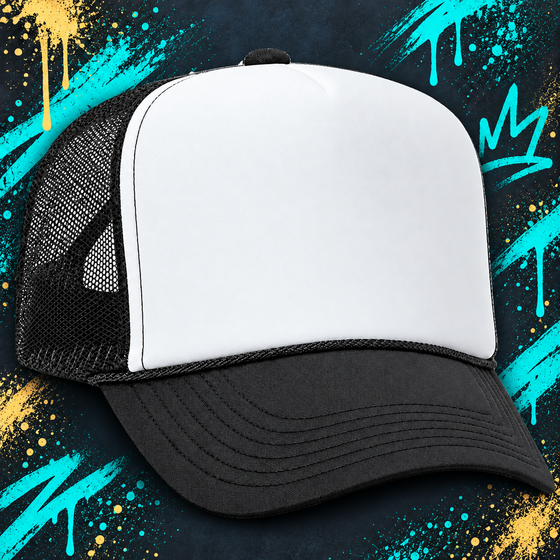
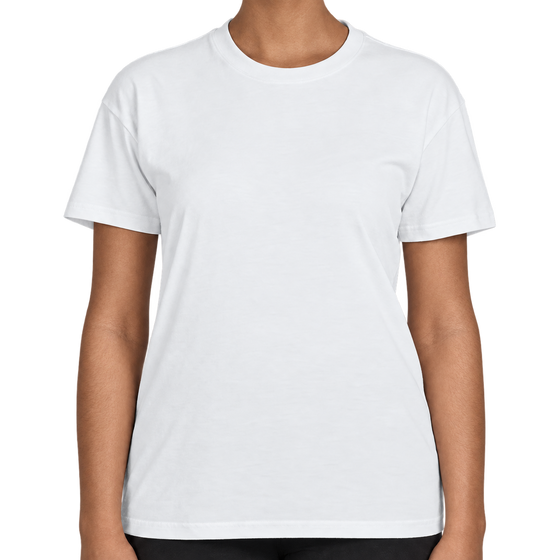
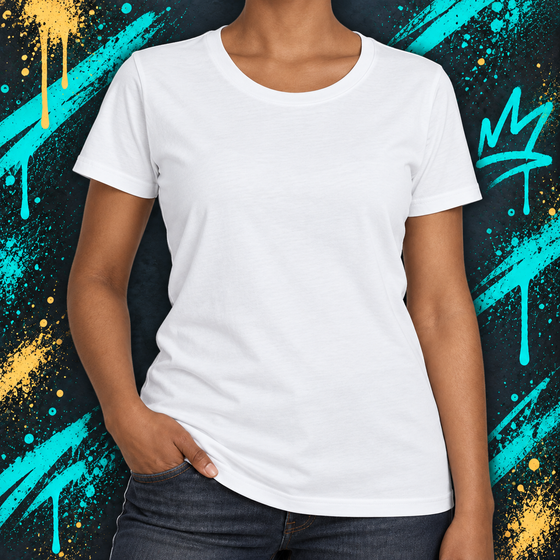
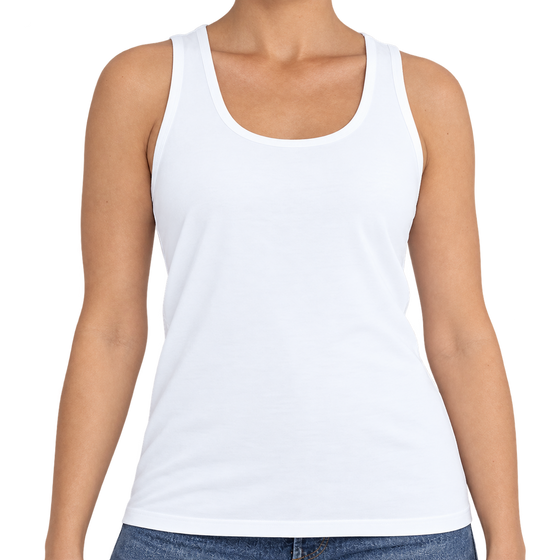
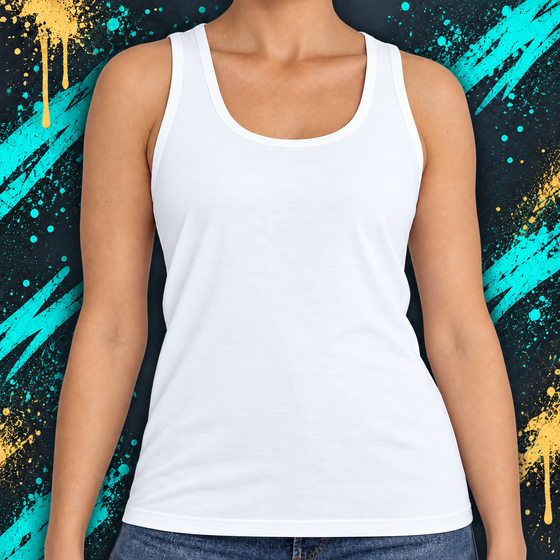
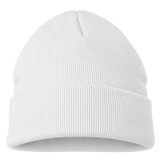
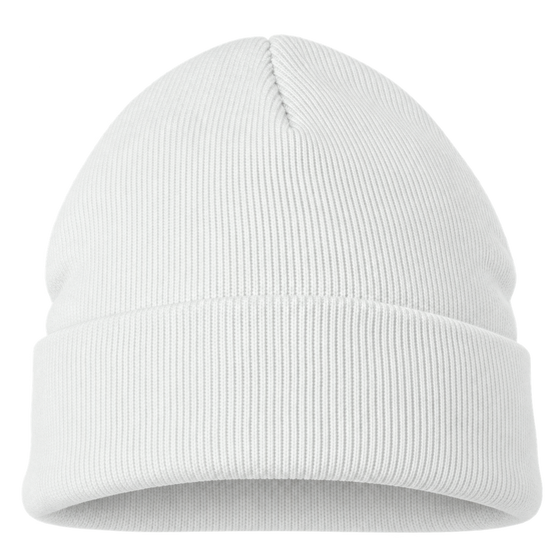
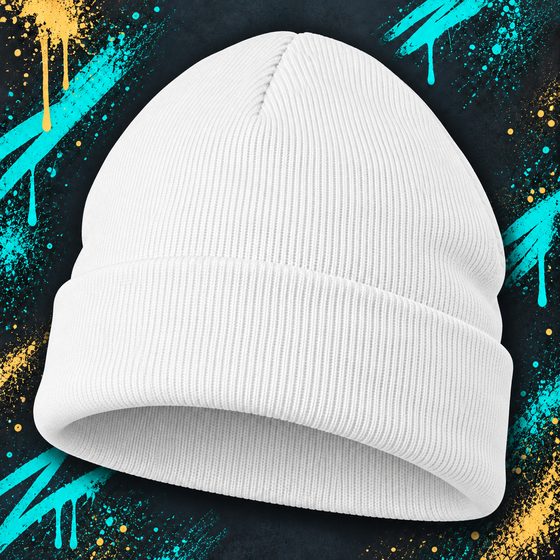
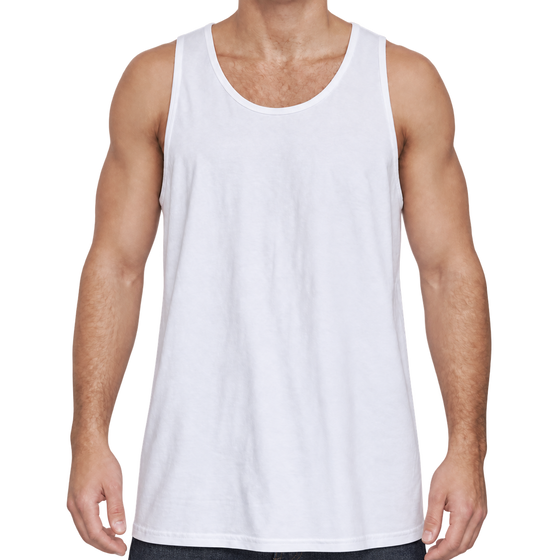
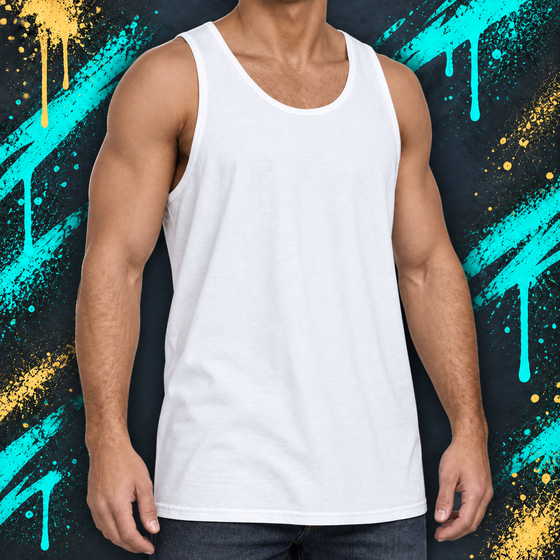
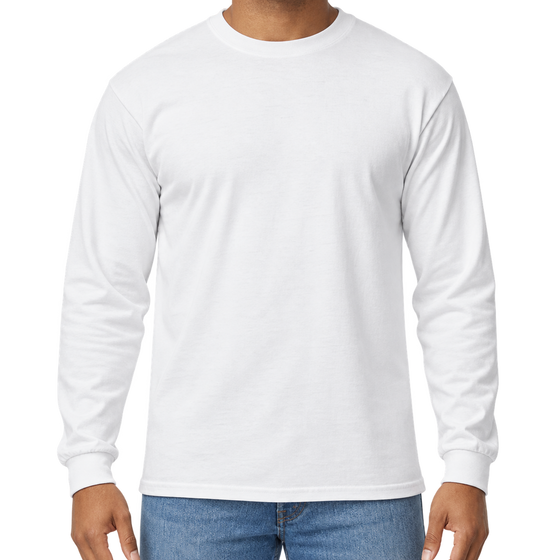
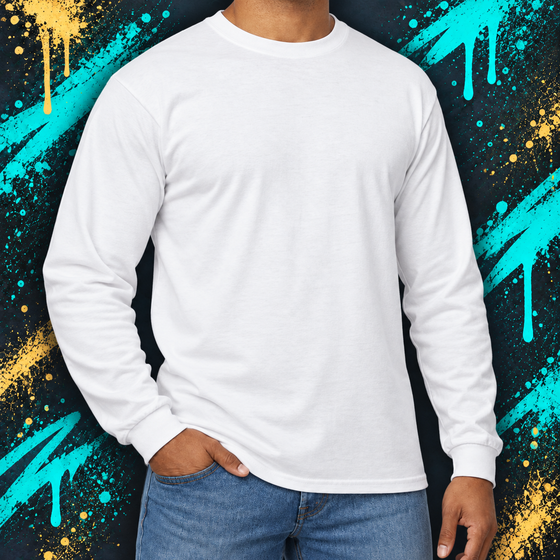
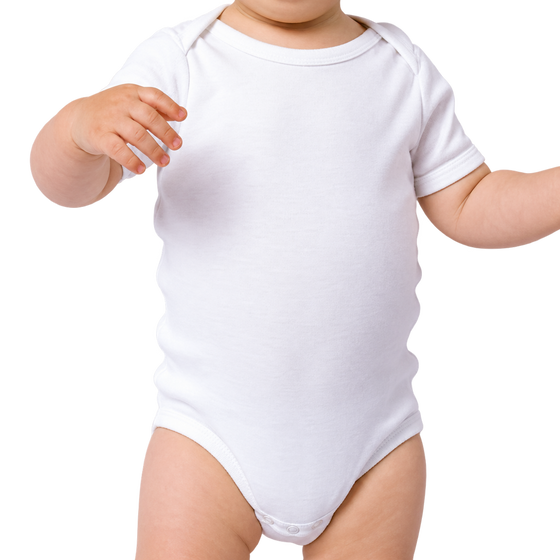
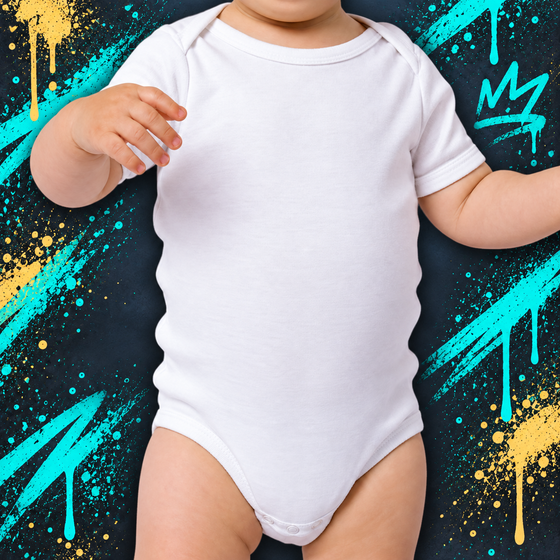
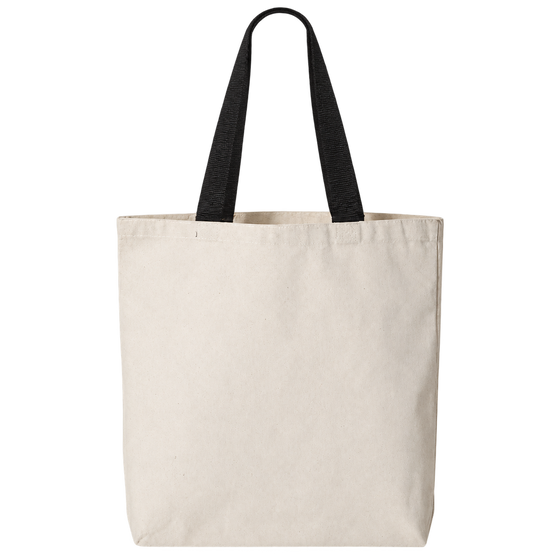
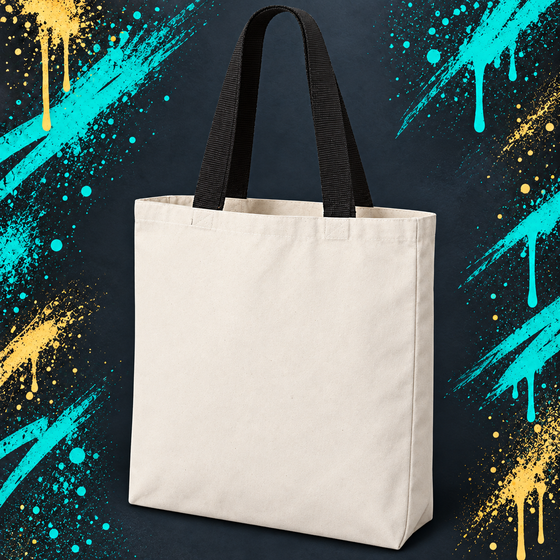
The Items tab shows the surfaces available for this design. You are not limited to the item pictured in the product photo.
- Clothing: check item details for fit and size information, then choose the sizes you need.
- Hats & beanies: choose from the sizes and item colors shown for that style.
- Totes: select an available tote style and quantity.
The choices shown for your selected item are the available options. Placement and additional lettering can vary by surface.
Add a quantity for every size you need. For example, two Mediums and one Large make a three-piece order. Each piece can then have its own wording or colors.
Check the item’s size chart and fit details where provided. For hats, beanies and totes, the selector may show a fit, color or style instead of clothing sizes.
Primary Artwork is the design pictured on this page. It’s the main artwork we’ll personalize for your item using your wording and chosen colors.
Enter the exact name, words or numbers you want painted. Check spelling and capitalization. Choose the front or back when your selected item offers that option.
For a group, All the same repeats your wording across the pieces. Each one is different gives each piece its own field. Match each entry to its size before moving on.
When your item supports it, Additional Artwork lets you add simple lettering to the side opposite your primary design. Choose a font and enter a name, date or short phrase. The extra price is shown beside the option.
Choose Leave it blank to keep the other side unpainted at no extra charge. With different lettering for each item, a blank additional-artwork field leaves that piece without the extra lettering or charge.
A separate illustration or more involved artwork needs a custom order; it is not included in the lettering option.
Choose Original colors to keep the design’s color direction, or Customize colors to select a palette. Your artist handles black and white; choose the colors you want featured.
Paint colors are separate from the color of the item itself. For a group, you can keep one palette or choose colors for each piece.
Neon colors glow under UV or blacklight. They do not glow in the dark. Actual paint colors can look a little different from colors on a screen.
Review each item’s size, spelling, artwork and colors, plus the price breakdown. Use the edit controls for changes before you add the order to your cart.
Artist notes are for small clarifications. Enter the wording to paint in the artwork fields and choose colors in Design Colors. Notes do not add extra illustrations or paid lettering.
Confirm that you’ve reviewed the order and spelling. If something is missing, follow the highlighted message to finish the required choice or upload.